Create IFS CRM Case
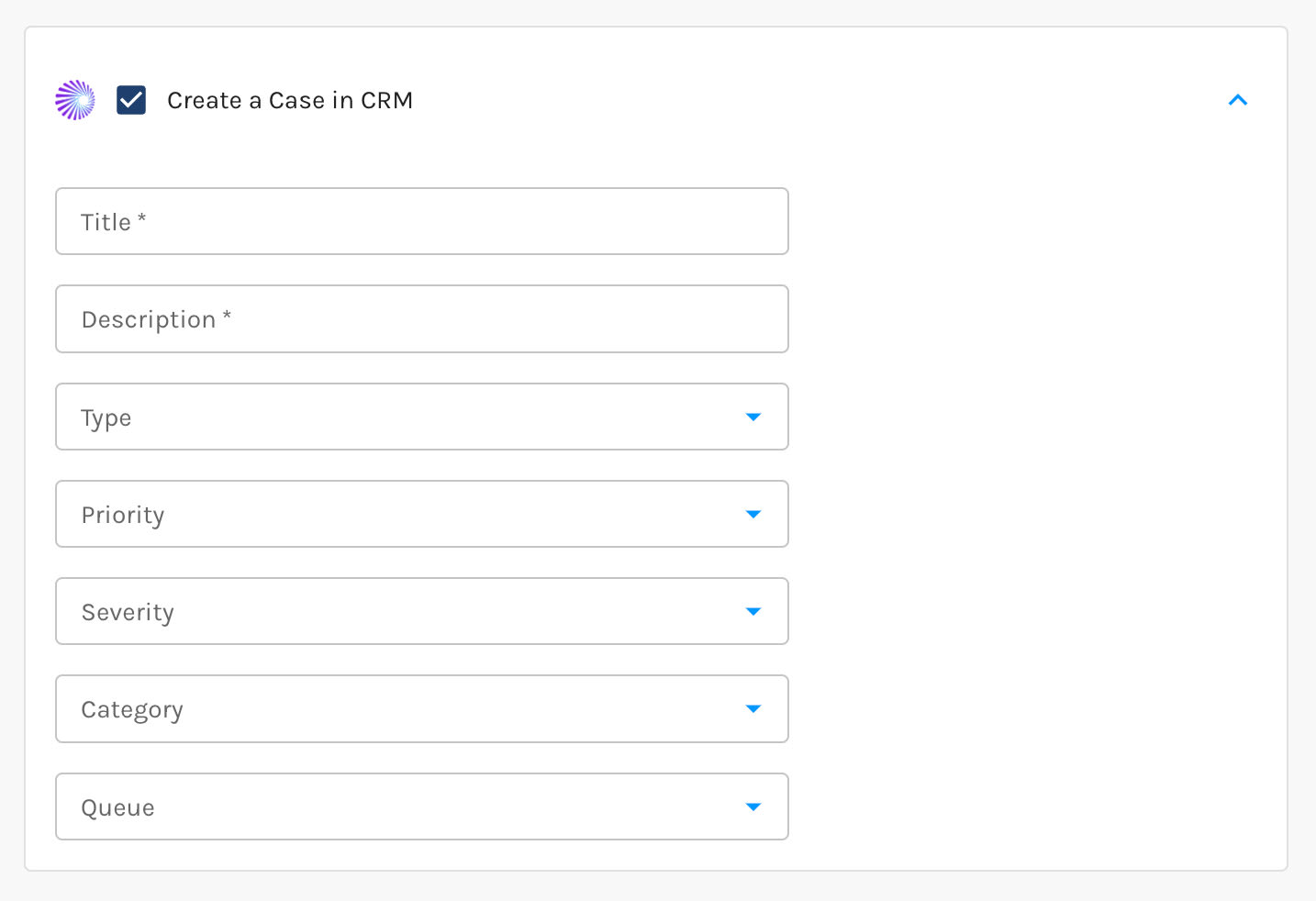
Open a Case in IFS when a form submission, lead score change, or automation goal calls for your service team rather than your sales team. You set the Case type, category, priority, severity, and queue from your own IFS pick lists, and when a form triggers the Action, Paminga writes the submitted values into the Case description.
One thing to know up front: IFS only accepts a Case against an Account whose Customer Category is "Customer". If the Account is still a Prospect, no Case is created.
Pairs well with Conditional Actions, which decide which submissions warrant a Case and which take a different path.
Read the full article: Create Cases in IFS.
Create Case in IFS Action