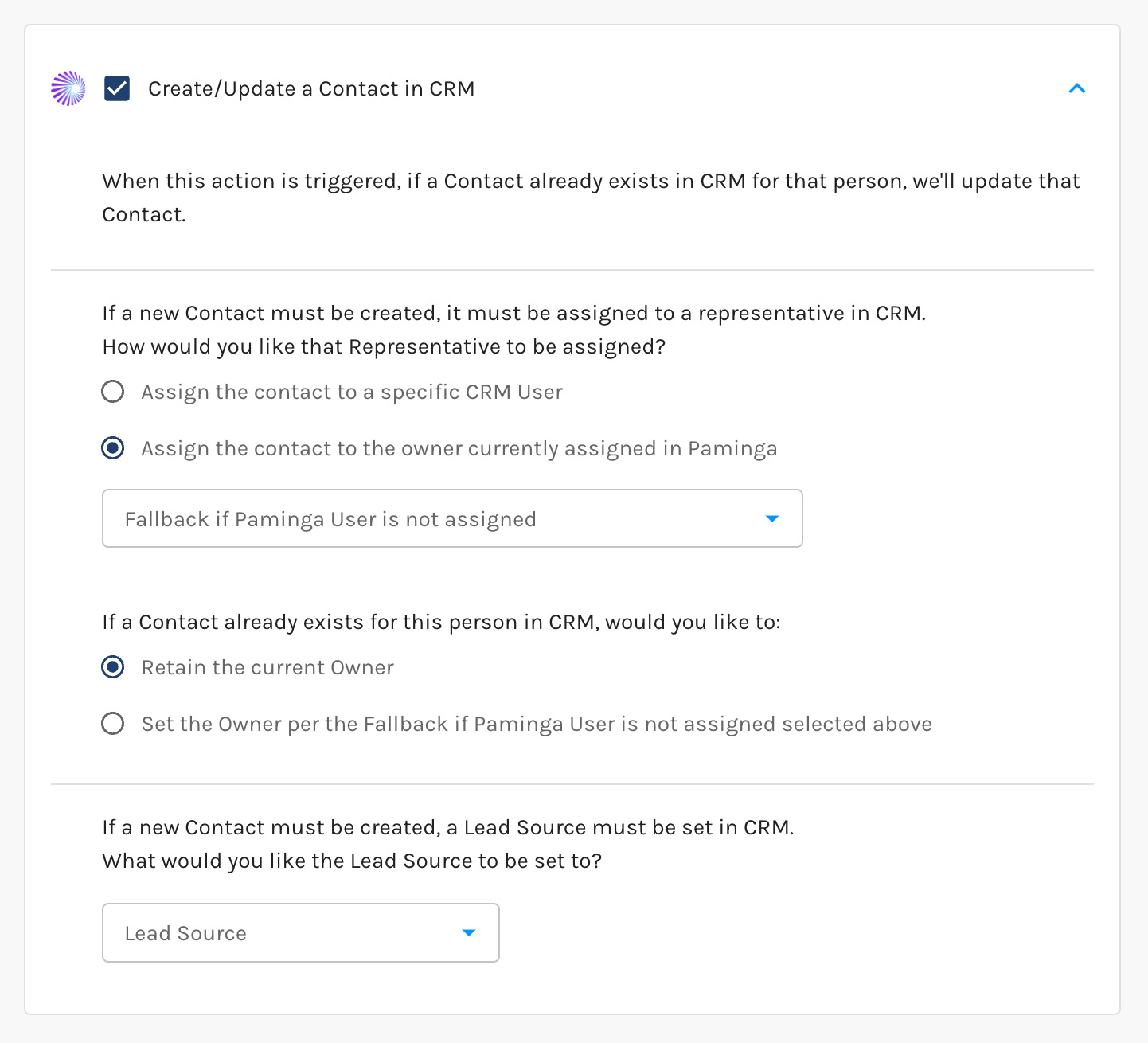
Create IFS CRM Contact
Create or update a Contact in IFS from anywhere Paminga offers Actions. IFS won't accept a Contact without a Customer to attach it to, so Paminga settles the Account first — matching an existing Customer or creating one — before it touches the Contact.
You choose who owns a newly created Contact and what Lead Source it gets. You also decide whether a Contact that already exists in IFS keeps its current owner and source, or takes the values you selected.
Read the full article: Create Accounts and Contacts in IFS.
Create/Update Contact in IFS Action