Resubscribe Contact
The Resubscribe Contact action opts an unsubscribed contact back in, so they qualify for your marketing emails again.
It is the counterpart to Unsubscribe Contact. Put it behind a form where people ask to hear from you again — a preference center, a "keep me posted" checkbox — and the resubscribe happens the moment they submit, with no one on your team processing a request by hand.
An unsubscribe is a person telling you to stop. Resubscribe a contact only when they have asked to hear from you again. Use Conditional Actions to limit the action to submissions that actually express that request.
Configuring the Action
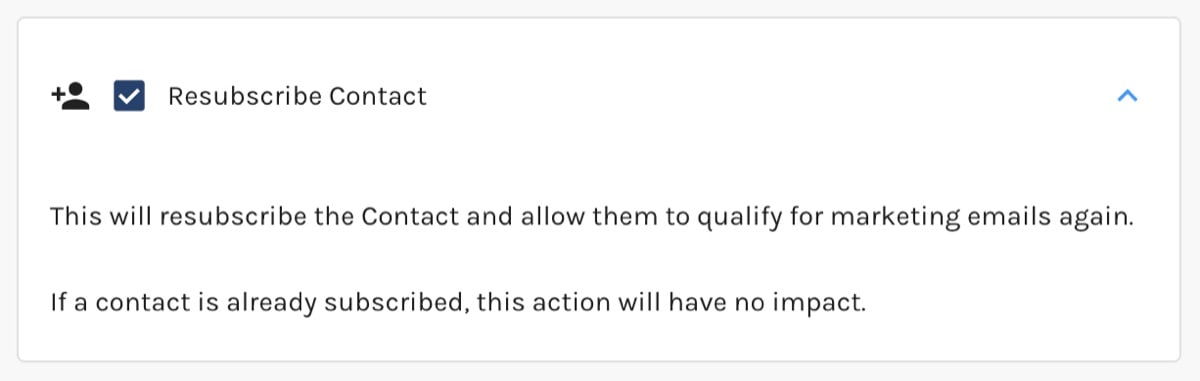
There is nothing to configure. Check Resubscribe Contact to turn it on.
Resubscribe Contact Action:
What Happens When It Runs
For each contact that reaches the action and is currently unsubscribed, Paminga:
- Clears the contact's unsubscribed status, so they qualify for marketing emails again.
- Records the resubscribe with the reason "Via Resubscribe Contact Action".
- Removes the email address from your email provider's suppression list, so your sends are actually delivered.
- Adds an Email Resubscribe entry to the contact's Activity Stream naming where the action ran.
- Queues an update to your integrated CRM — Salesforce, Dynamics 365, or SugarCRM — for contacts already linked to a Lead or Contact there. Paminga never creates a CRM record because of a resubscribe.
A contact who is already subscribed is skipped. Nothing is recorded for them and nothing is sent to your CRM.
Resubscribing does not clear a bounce. A contact who is both unsubscribed and bounced stays unmailable until the bounce is cleared too. Pair this action with Unbounce Contact if you need both.
Resubscribing by Hand
To resubscribe one contact, or a list of them from a CSV, see Unsubscribed Contacts.


