Send Slack Notification
Get notified in Slack when Paminga forms are submitted.
- See submitted fields with their values
- View to the lead/contact
- View/edit the form that was submitted
Connect Paminga to Slack
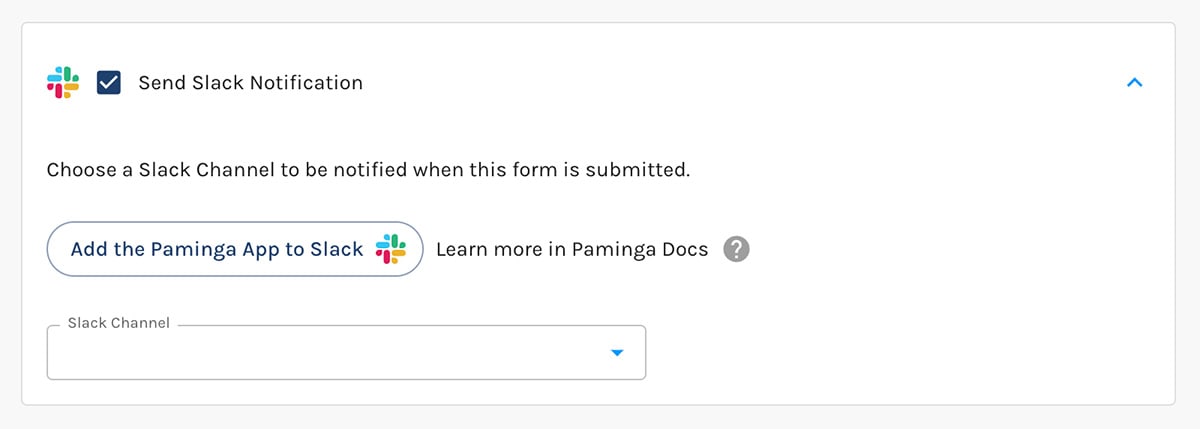
If you've not yet authorized Paminga to work with your Slack Workspace, you'll see a button to "Add the Paminga App to Slack":
Connect Paminga to Slack
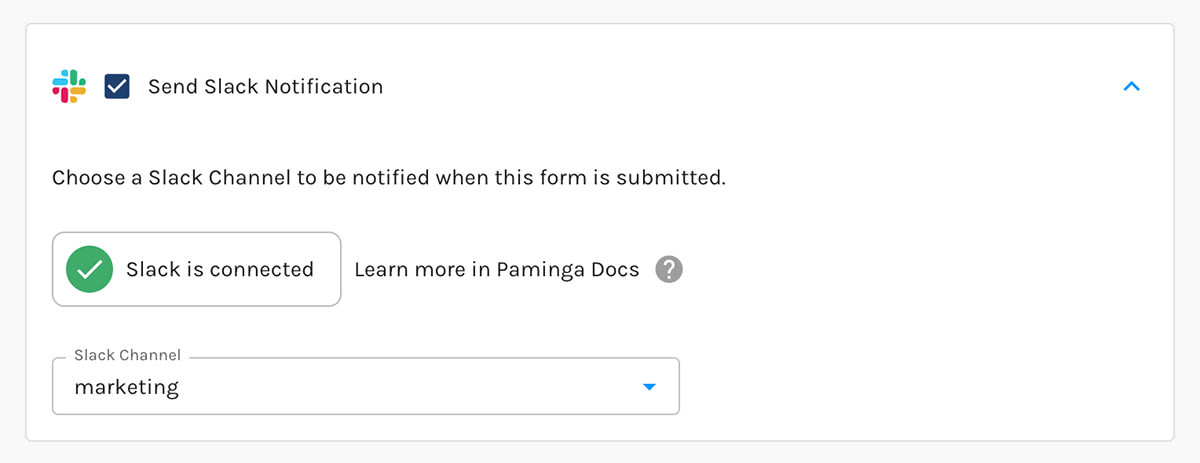
Paminga will confirm for you when Slack is connected:
Slack Is Connected
Available Channels
Paminga lists all of your non-archived, public channels that have at least one member.
The dropdown is searchable, making it easy find the channel you desire.
Slack Notification Content
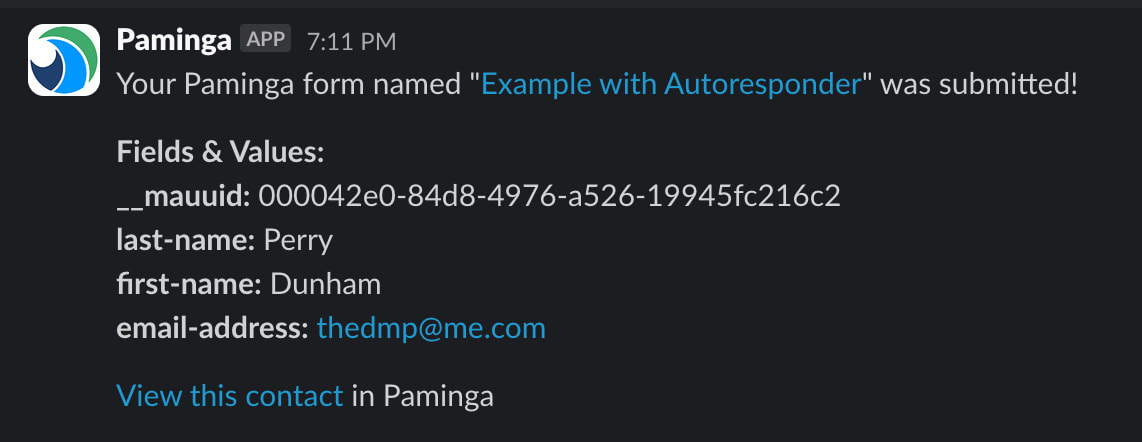
For form submissions, Slack notifications include:
- The name of the form that was submitted. Clicking this will take you to the form in Paminga
- A "Fields & Values" section that lists out each of the fields with their names and submitted values
- A link to view the details of the lead/contact that submitted the form in Paminga
Slack Notification Content