Unbounce Contact
The Unbounce Contact action clears a contact's bounce status, so you can email them again.
Bounces are not always permanent. A full inbox empties, a mail server comes back, someone corrects a typo in their address. When a bounced contact proves they are reachable — by submitting one of your forms with the same address, for example — this action resets the bounce without anyone on your team having to find the contact and click a button.
Configuring the Action
There is nothing to configure. Check Unbounce Contact to turn it on.
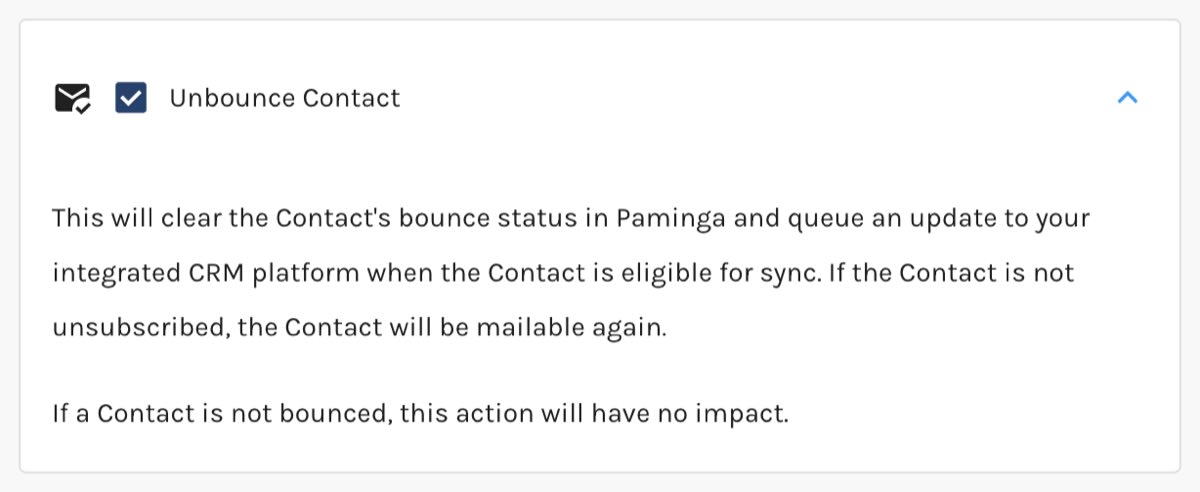
Unbounce Contact Action:
What Happens When It Runs
For each contact that reaches the action and is currently bounced, Paminga:
- Clears the contact's bounce status.
- Removes the email address from your email provider's suppression list.
- Adds a Bounce Status Reset entry to the contact's Activity Stream, which says the bounce status was reset by an Action. Paminga's own record of the unbounce is attributed to the user who created the action.
- Queues an update to your integrated CRM — Salesforce, Dynamics 365, or SugarCRM — for contacts already linked to a Lead or Contact there. Paminga never creates a CRM record because of an unbounce.
A contact who is not bounced is skipped.
An unbounced contact who is also unsubscribed stays unsubscribed and still receives no marketing email. Clearing a bounce says the address works; it says nothing about whether the person wants to hear from you. If they have asked to opt back in, add Resubscribe Contact as well.
Unbouncing by Hand
To unbounce one contact from their Contact Details page, or many from a CSV, see Bounced Contacts.


