Rating
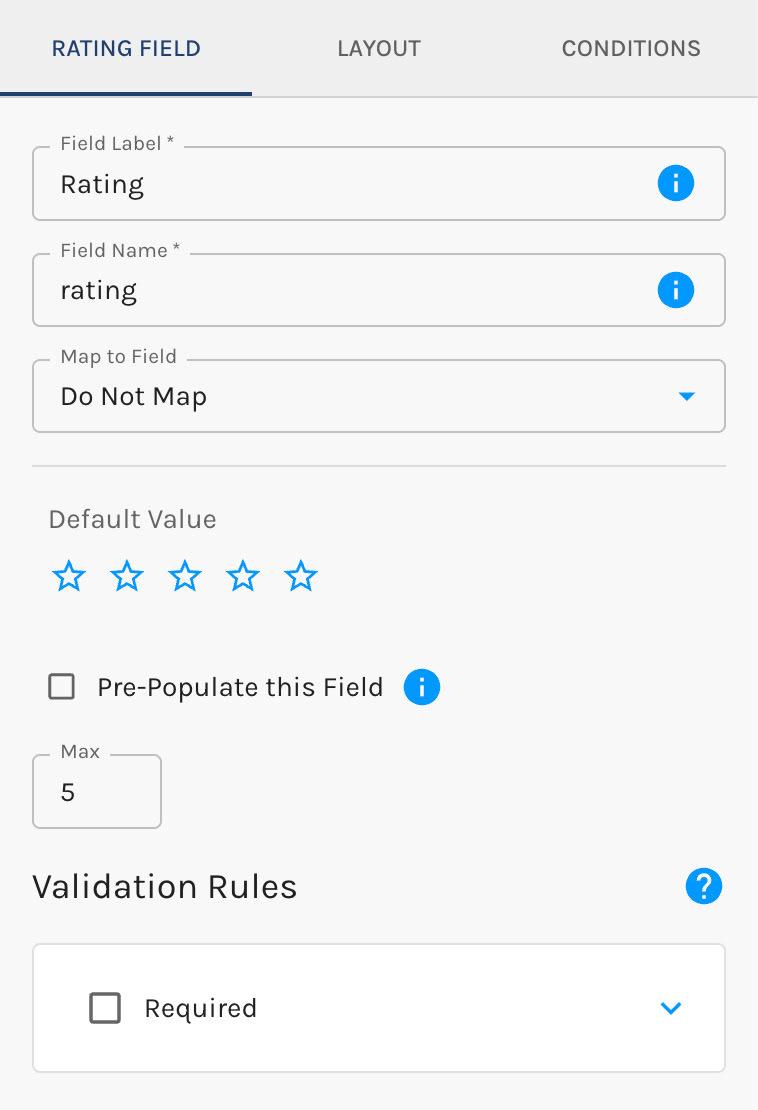
The Rating element presents several clickable stars that allow prospects to provide a numerical rating.
- You decide how many stars are presented
- The resulting value will be integer based on the number of stars selected
Display as a Slider
Displaying rating fields as a slider is in beta. It may not be turned on for your account yet. To request access, contact Paminga Support.
Stars aren't the only way to collect a rating. In the field's settings, set Display As to Slider (the default is Stars) and visitors drag a handle along a track instead, with the current value in a small box beside it.
A slider earns its place when the scale is longer than a row of stars can comfortably show, a 0–10 "how likely are you to recommend us?" for example. With the default Step of 1, the value submitted is a whole number.
With Slider selected, set the range with Min (default 0), Max (default 5), and Step (default 1). The slider starts at its Default Value if you set one, or at Min if you don't. A field displayed as a slider also offers a Hint, which star ratings do not.
Number fields can be displayed as a slider too. See Number.


