US State
The US State element is a searchable drop-down form field that lists all US States as options.
- The Label is set to "State"
- The field is mapped to the contact standard field called "State"
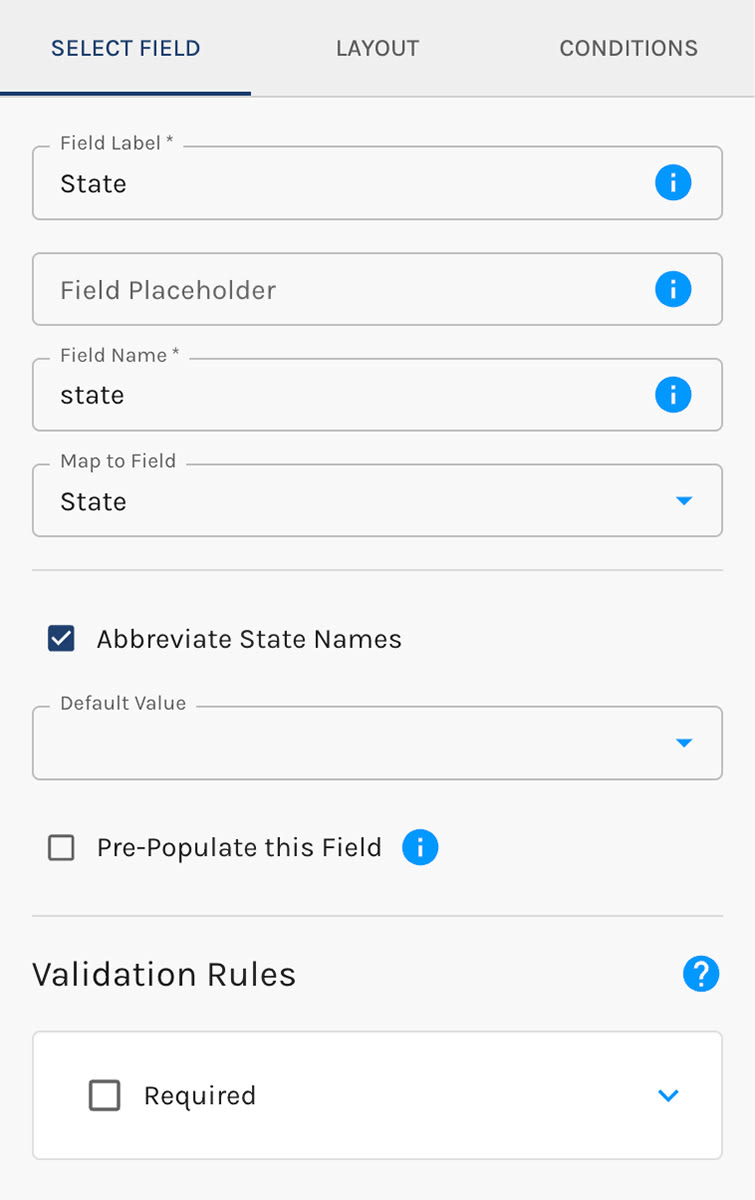
States, Provinces, and Their Abbreviations
States by Country switches the list between United States, Canada (provinces and territories), and Mexico.
Two checkboxes control abbreviations, and they are independent of each other:
- Abbreviate what visitors see: the list shows AL instead of Alabama. This only changes what the list looks like. It does not change what gets saved.
- Abbreviate what gets saved: saves AL instead of Alabama to the contact's field, and sends that to any connected CRM.
Splitting the two lets you show visitors readable names while saving the two-letter codes your CRM expects, or the other way around.
When you change Abbreviate what gets saved, the form's own settings come along: its Default Value and any conditions built on this field are translated to the new format for you. Submissions you have already collected are not changed. Contacts saved before the switch keep the old format, so a segment looking for Alabama will not find contacts saved as AL.
Choose Which States Appear
If your form serves only part of the country, trim the list. Under Options to Include, untick the states this form should not offer and visitors see only the ones left ticked. A Search Options box and a Select All checkbox help with a long list, and at least one state always stays ticked. Tick every state again and the field goes back to offering the full list.
Changing States by Country switches to a different list, so it starts over with every option included.
State List Settings:



