Sunsetted Contacts
Sunsetting a contact stops them from qualifying for, or being sent, marketing emails. Transactional emails still go out. It's how you stop mailing people who have stopped engaging, which keeps your engagement rate up and may help your inbox placement.
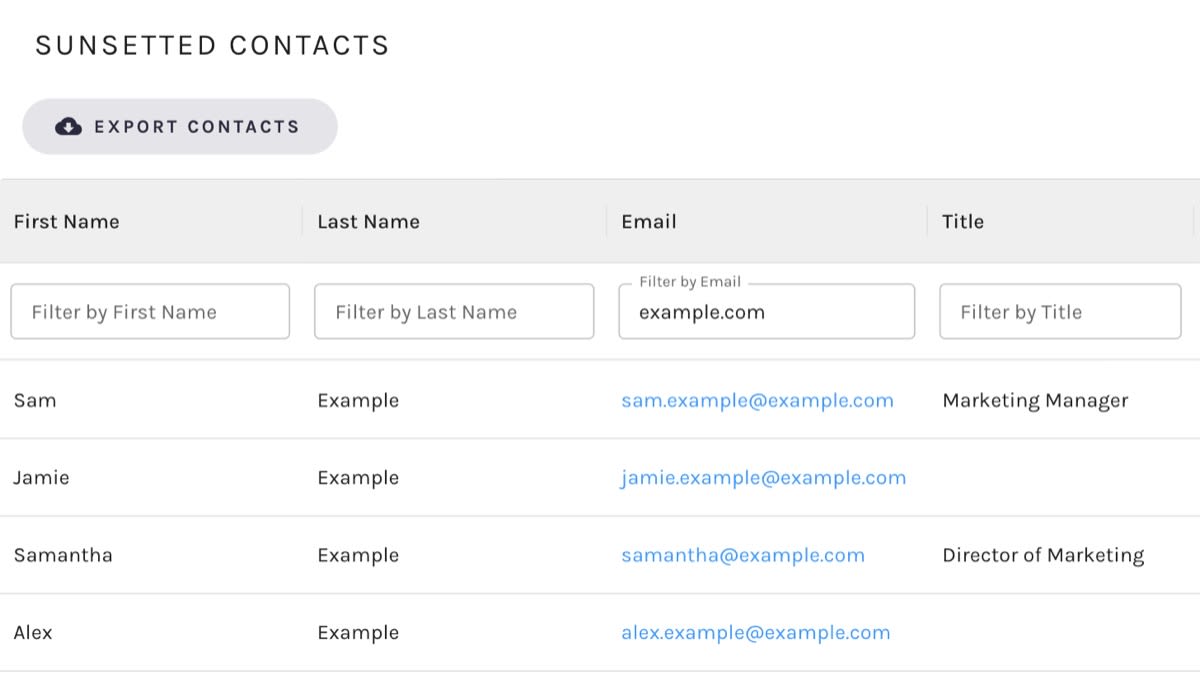
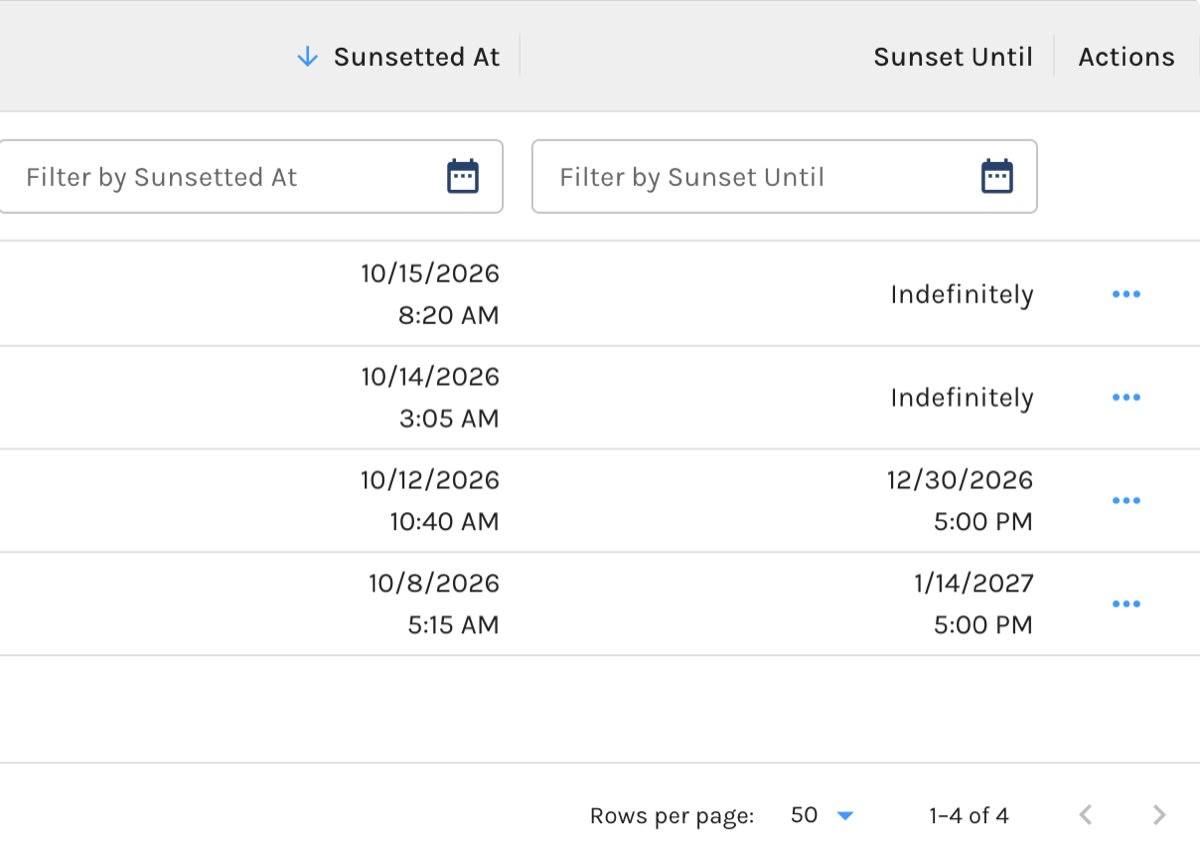
The Sunsetted Contacts list shows every contact who is currently sunsetted, when it happened, and whether the sunset ends on a date or runs indefinitely. From here you can review who is being held back and bring anyone back into circulation.
Go to Contacts & Accounts › Contacts › Sunsetted Contacts.
Sunsetted Contacts:
Sunsetted At and Sunset Until:
How Contacts Get Here
Contacts land on this list when they are sunsetted by:
- A Sunset Contacts Automation, which sunsets everyone who meets your conditions, once or perpetually
- The Sunset Contact action, which you can run from many places across Paminga
If you are deciding who should be sunsetted and for how long, Sunsetting Policy is worth a read.
What the List Shows
| Column | What it shows |
|---|---|
| First Name, Last Name, Title | The contact's name and job title. |
| The contact's email address. Click it to open the contact's details. | |
| Sunsetted At | When the contact was sunsetted. |
| Sunset Until | When the sunset ends, or Indefinitely if it has no end date. |
The most recently sunsetted contacts are listed first. Sort by Sunsetted At or Sunset Until to reorder the list.
Filtering the List
Each column has a filter box directly beneath its heading. Type into First Name, Last Name, Email, or Title to show only contacts whose value contains what you typed (part of an email domain works fine), or pick a date range for Sunsetted At or Sunset Until. A date filter applies once you have chosen both a start and an end date.
Your filters are written into the page's URL, so you can bookmark a filtered view or send it to a colleague.
Acting on a Sunsetted Contact
Open a contact's row actions to:
- Unsunset Contact. The contact can qualify for marketing emails again. You'll be asked to confirm before it happens.
- Delete the contact.
- Open the contact's details or, when they belong to an account, the account's details.
- Edit the contact's fields.
To un-sunset contacts in bulk instead, use the Un-Sunset Contact action.
Exporting Sunsetted Contacts
Click Export Contacts above the list to export your sunsetted contacts. The export starts with an Is Sunset condition already in place and a file name of "Sunsetted Contacts", and works like any other contact export. You'll need permission to export contacts.


