Google Single Sign-On
If your team works in Google Workspace, they can sign in to Paminga with the Google account they already use all day. There's nothing to configure and nothing to connect: the Sign In with Google button is on the Paminga sign-in page for every account.
It's one less password for your team to manage, and one less password for you to worry about.
Sign In with Google on the Paminga Sign-In Page:
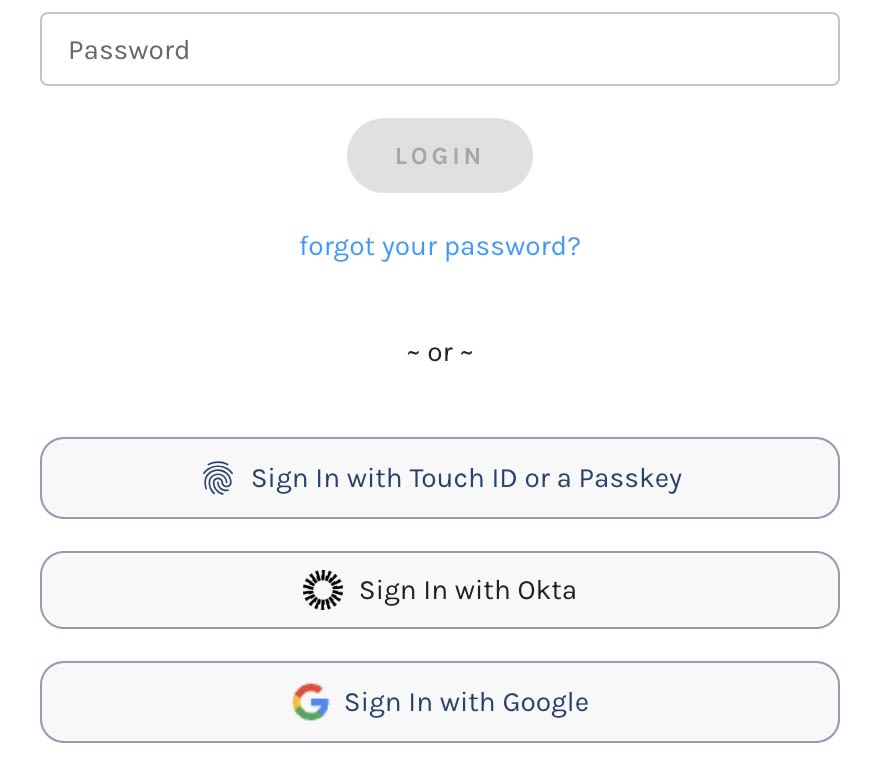
Sign In with Google
- Go to the Paminga sign-in page.
- Click Sign In with Google.
- Choose your Google account and approve the request, if Google asks.
Google returns you to Paminga, signed in.
How Paminga Matches You to Your User
Google tells Paminga who you are. It doesn't create your Paminga account.
When Google hands you back, Paminga takes the email address on your Google account and looks for the Paminga user with that same address. For the sign-in to succeed:
- A Paminga user must already exist with that email address. An administrator adds them under Users. Signing in with Google for the first time doesn't create one.
- The user must be enabled, and must not have been deleted.
- Your Paminga account must be active.
- The email address must belong to exactly one Paminga user. If the same address exists in more than one Paminga account, Paminga refuses the sign-in rather than guess which one you meant.
The address has to match exactly, so a user whose Paminga email is jane@yourcompany.com and whose Google account is jane.doe@yourcompany.com won't get in until the two agree. Update the Paminga user's email, or sign in with the Google account that matches it.
When Google Sign-In Fails
If any of those checks fails, you land back on the sign-in page with one message: "We could not log you in via Google. Please try again or contact support."
That message is deliberately the same whatever went wrong. Saying "no account with that email" to one person and "account disabled" to another would let an outsider find out who has a Paminga account by trying addresses. The specific reason is recorded on our side, so if a teammate can't get in, check the list above first, then contact your Paminga point of contact and we'll tell you exactly what happened.
Where Google Sign-In Is Available
Sign In with Google appears on the Paminga sign-in page. The sign-in dialogs inside the Gmail Plugin and the Outlook Add-in offer email and password only.
Google SSO and Okta SSO
Google sign-in needs no configuration and works for any user whose Paminga email matches their Google account. If your organization manages identity in Okta and wants to control who gets in, provision users automatically, or make single sign-on mandatory, use the Okta integration instead.
Your Login Security Policy page summarizes the sign-in options for your account.


