LinkedIn Lead Forms
When you connect Paminga to LinkedIn, Paminga automatically discovers Lead Forms from any Ad Accounts you are authorized to manage.
These appear in the Third Party Forms table.
Mapping LinkedIn Form Fields
Paminga automatically maps most standard fields like first name, email, and job title.
You can alter those mappings and map to any custom fields as needed.
LinkedIn Lead Form Field Mapping
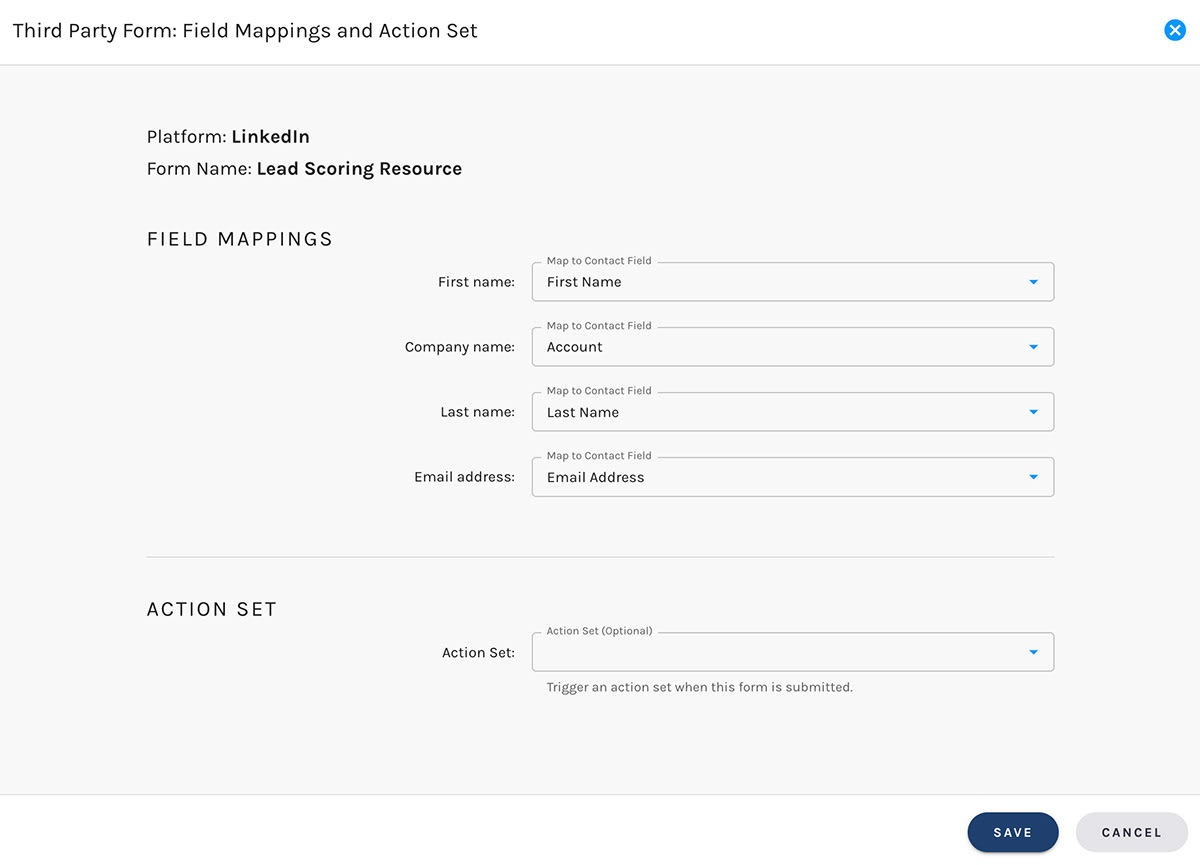
Trigger an Action Set
This is definitely the best part: choose which Action Set you'd like Paminga to execute each time your LinkedIn Lead Form is submitted.
This is real power. If you don't know about Paminga's Action Sets, you'll want to.
When Lead Forms Are Submitted
Paminga will attempt to find an existing Contact using the email address passed by LinkedIn.
If we find a matching record, any mapped fields will be updated to the values passed by LinkedIn.
If no matching record is found, a new Contact is created.
Schedule Social Posts
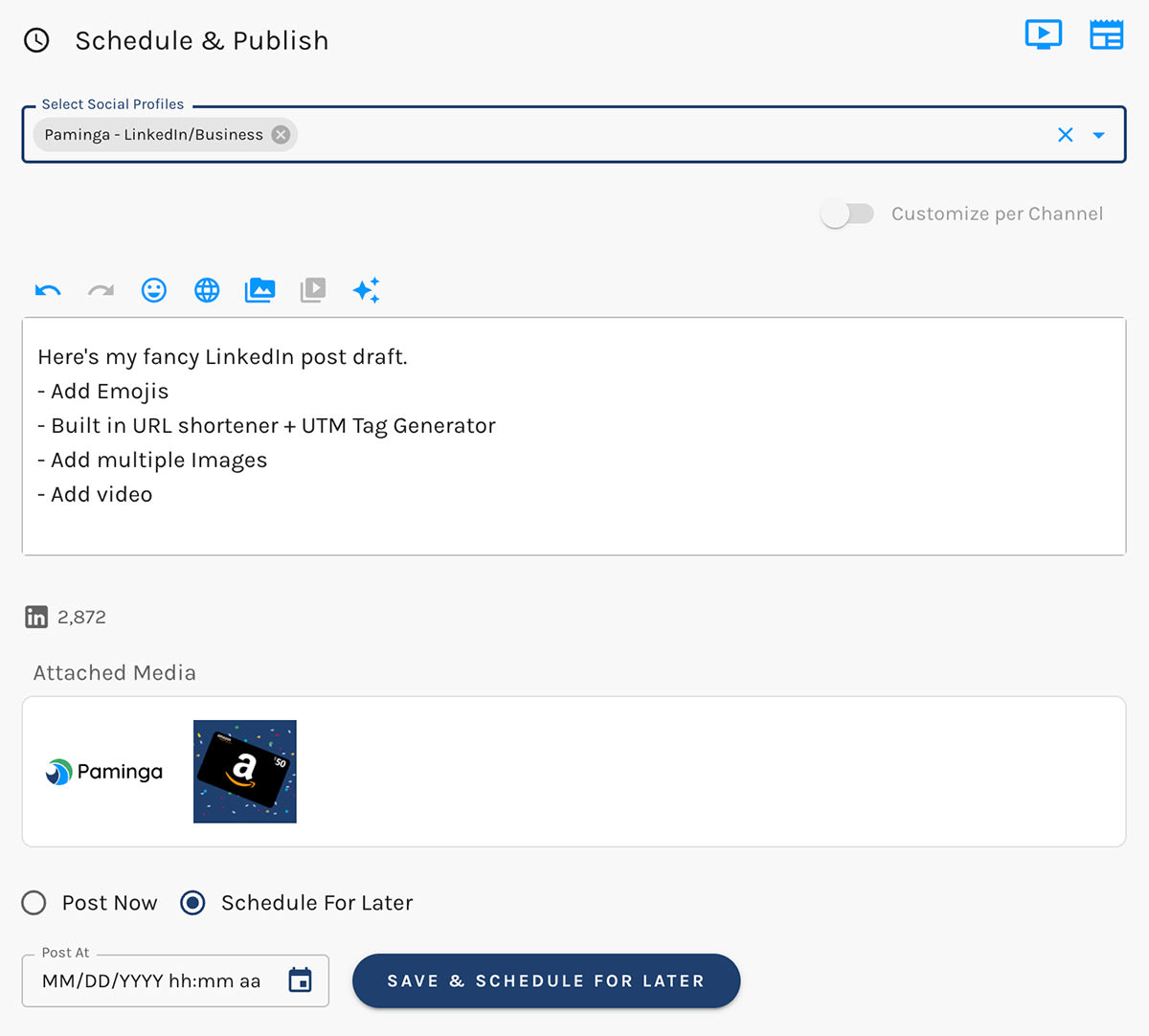
You can post on-demand or schedule for later.
- Add Emojis
- Add multiple Images
- Add video
- Built in URL shortener + UTM Tag Generator
Schedule LinkedIn Posts
Social Page Overview Dashboard
Paminga exposes an engaging and useful Social Page Overview dashboard showing extensive real-time metrics pulled directly from LinkedIn.
LinkedIn Social Page Overview Dashboard



