Form Report
Looking for detailed data on Form submissions? A Form Report is an excellent way to get the data delivered directly to your inbox.
Form reports are emailed directly to you as a .CSV file or as an Excel Spreadsheet (.XLSX file) when reporting on multiple forms.
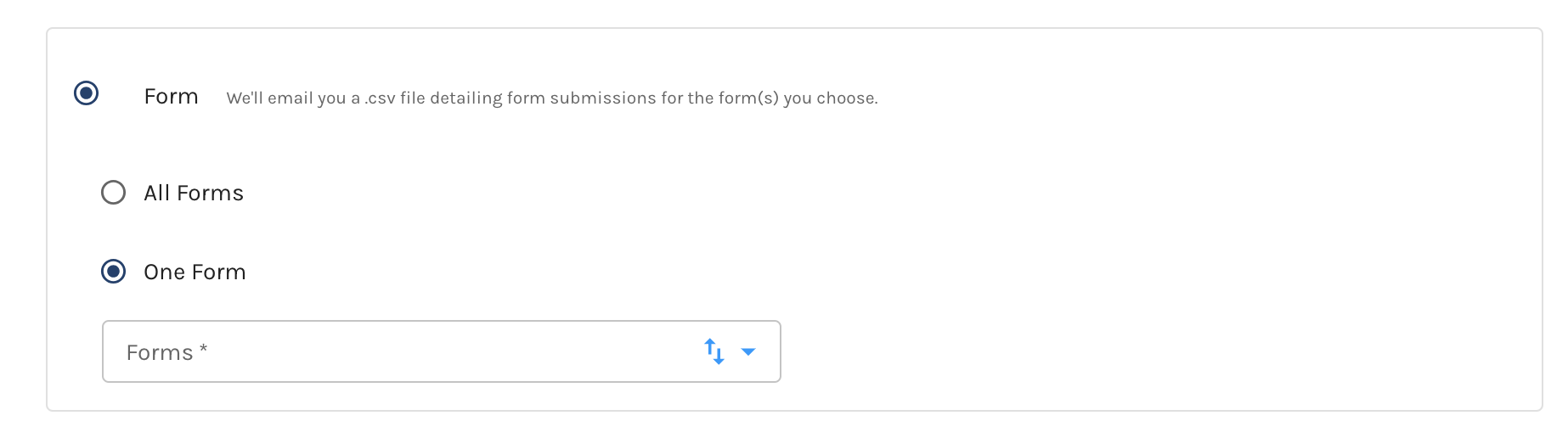
When setting up a Form Report, you will be given the choice to report on all forms within your Paminga account or one specific form.
If you choose to report on one specific form a dropdown will display that allows you to choose which form you would like to use.
Form Report Details
Once your Form Report is setup and has processed, it will be delivered to your email address, as well as any recipients who may have been added.
Your email will contain an attached .csv file (which will open in Excel) that contains additional data (up to 10,000 records).
The CSV will contain:
- Form Name
- Date of submission
- Contact ID
- First name
- Last Name
- Landing Page URL
- Company Name
- Form fields tied to the form
...during a reporting report for a selected segment.


